


This object is in archive!

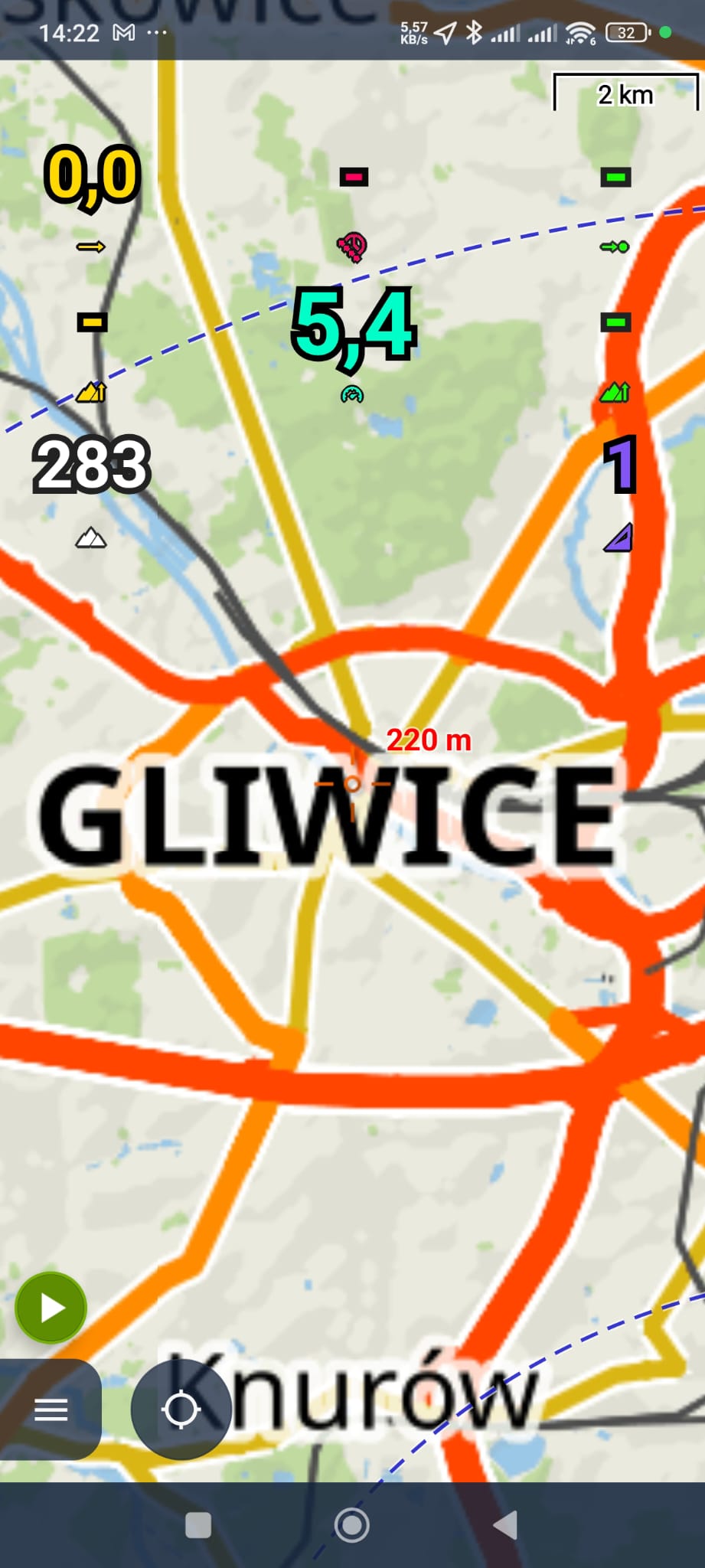
The scaling function has stopped working when zooming in on any map.
Answered
Hello,
When I try to zoom in on any map, it lacks a proper scaling, details and paths. When the zoom is very high, the map doesn't show.
I've tried clearing the cache, updating the maps and changing different map settings (online/offline), but nothing has worked.
Any ideas how to fix it?
 The same question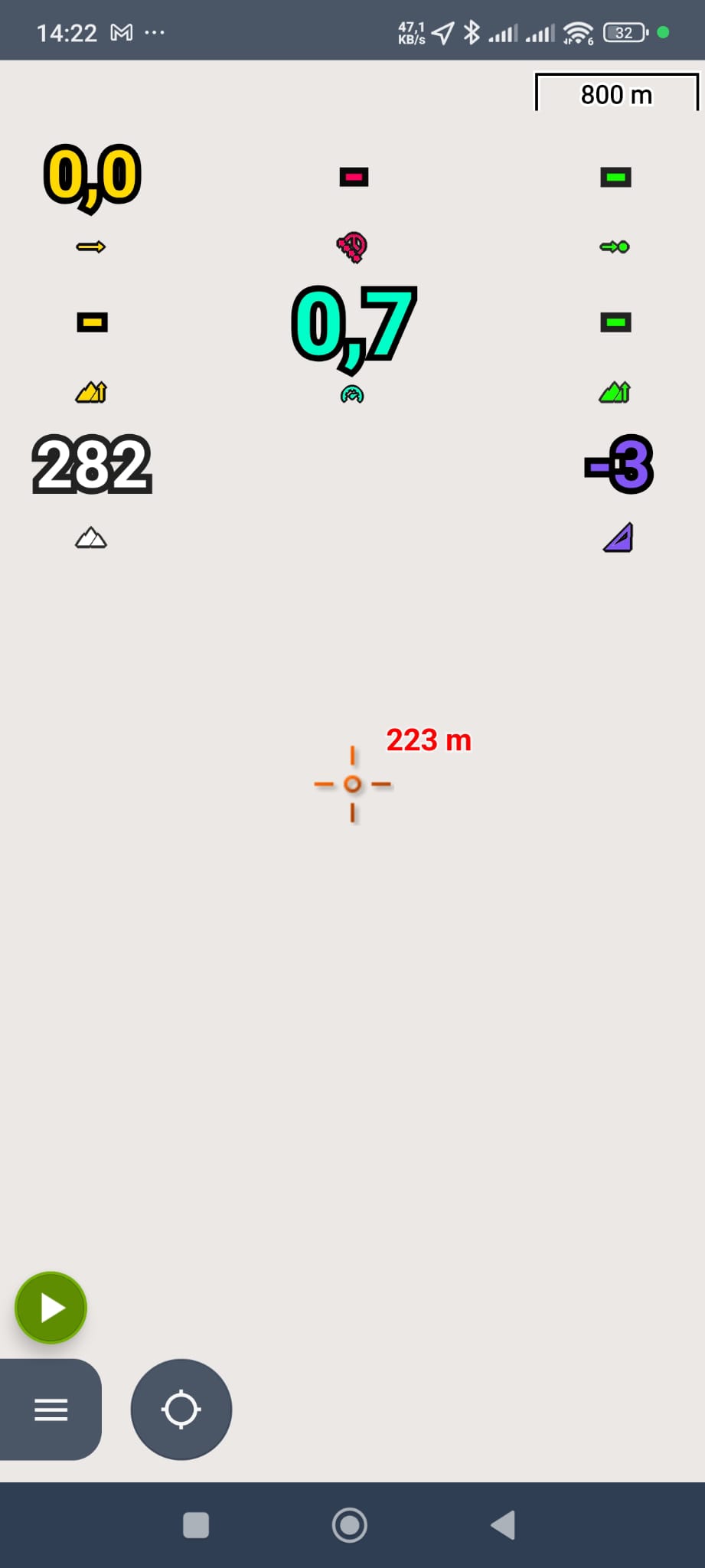
Hi,
it seems that you have the zoom lock active. Deactivate it. More info at https://docs.locusmap.app/doku.php?id=manual:user_guide:maps_mainscr_ctrl#magnifier_zoom_lock_screen_lock
Hi,
it seems that you have the zoom lock active. Deactivate it. More info at https://docs.locusmap.app/doku.php?id=manual:user_guide:maps_mainscr_ctrl#magnifier_zoom_lock_screen_lock
Yes, you're right! I've probably accidentally locked the zoom option myself.
Thanks!
Yes, you're right! I've probably accidentally locked the zoom option myself.
Thanks!
Replies have been locked on this page!