


automatic backup Whoops can't resolve
Answered
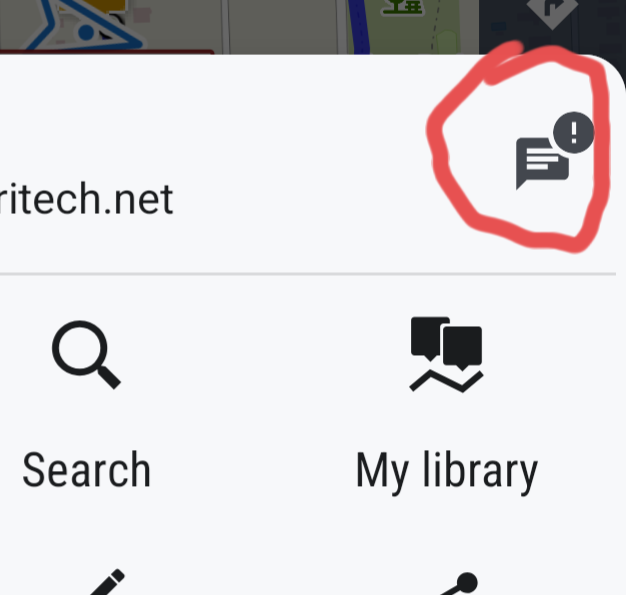
My backups are working fine. Just can't get rid of this nagging notice from awhile ago. It shows up as an exclamation point, see screenshots. Thanks.
My backups are working fine. Just can't get rid of this nagging notice from awhile ago. It shows up as an exclamation point, see screenshots. Thanks.
 The same question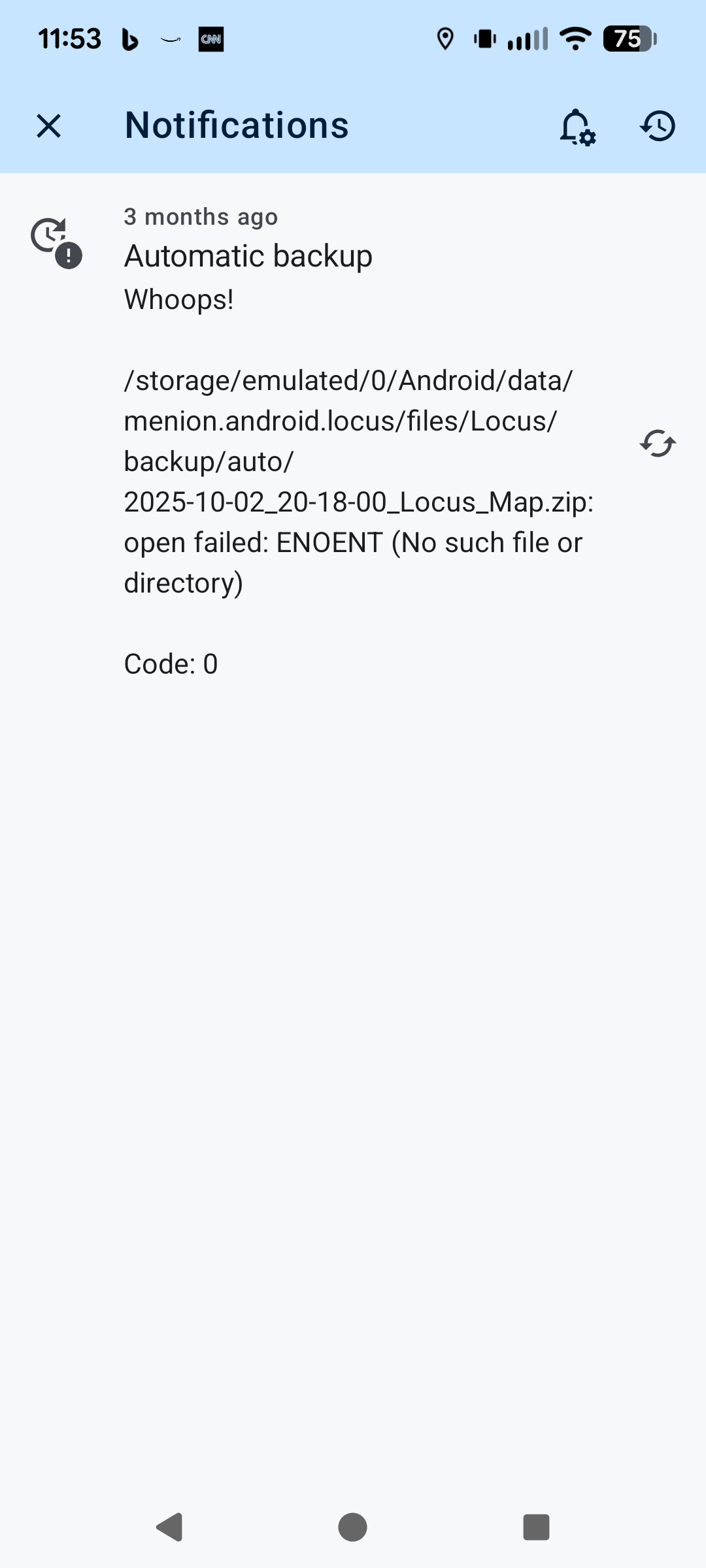
Hi Alan,
open the backup directory with a file manager and delete the file 2025-10-02-20-18... Then restart Locus Map.
Hi Alan,
open the backup directory with a file manager and delete the file 2025-10-02-20-18... Then restart Locus Map.
Don't see that.
Don't see that.
When you slide the notification to the right and confirm its deletion, does it return?
When you slide the notification to the right and confirm its deletion, does it return?
Yes it does. btw this sometimes is preceded by the attached. My backup is set to go to my Dropbox. I did have an acct problem with DB in the past such that uploads weren't allowed. Maybe that caused this? Current backups do go properly to DB.
Yes it does. btw this sometimes is preceded by the attached. My backup is set to go to my Dropbox. I did have an acct problem with DB in the past such that uploads weren't allowed. Maybe that caused this? Current backups do go properly to DB.
Maybe logging out of Dropbox in Locus Map and logging back in can help.
Then I would try deleting the app cache (settings > backup&file system > clear temporary data).
Maybe logging out of Dropbox in Locus Map and logging back in can help.
Then I would try deleting the app cache (settings > backup&file system > clear temporary data).
I logged out/in of DB last night. Then I see your app update this morning. All is well now! Thank you very much.
I logged out/in of DB last night. Then I see your app update this morning. All is well now! Thank you very much.
Replies have been locked on this page!