


SRAM Quarq Powermeter Support
Not a Problem
Hey Guys,
I have a new powermeter 😃 unfortunately it doesn't seem to be supported yet 😪
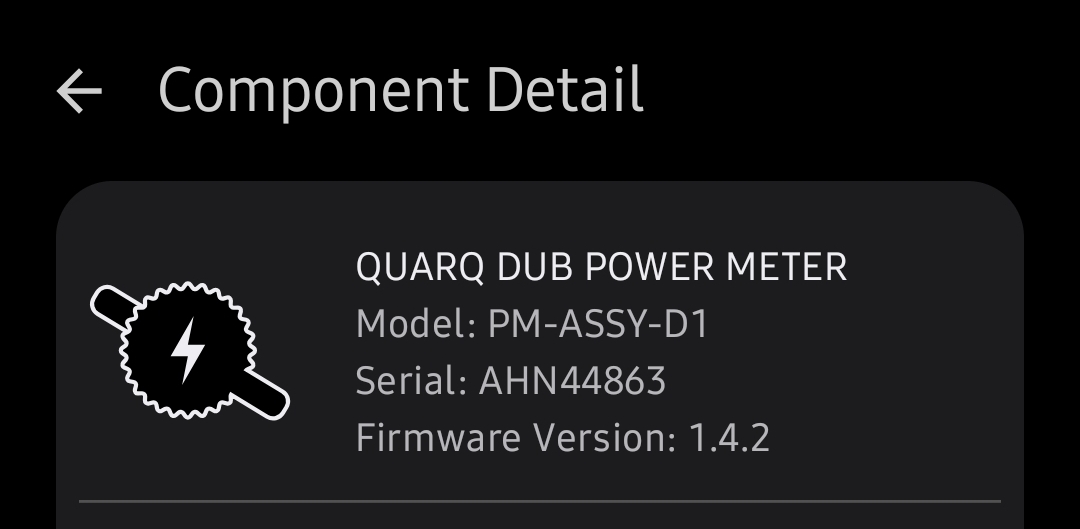
It's a SRAM Quarq DUB Powermeter with Bluetooth Support but Locusmaps can't find it.
Could you olease evaluate compatibility? Thanks a lot in advance! See attach for details
Files:
Screenshot_2026...
 The same problem
Hi Johannes,
sorry for the inconvenience but we don't do evaluations of hardware. We only collect evaluations from other users and publish them at https://docs.locusmap.app/doku.php/manual:faq:support_for_hrm_monitors. We can only add this device to the list as unsupported.
Hi Johannes,
sorry for the inconvenience but we don't do evaluations of hardware. We only collect evaluations from other users and publish them at https://docs.locusmap.app/doku.php/manual:faq:support_for_hrm_monitors. We can only add this device to the list as unsupported.
Johannes, there are thousands of HR/power/cadence/speed... measuring devices on the market. I suppose you understand that we can't buy each of them and tweak the app so that it is compatible. Locus Map uses standard Bluetooth protocols and if a device doesn't connect, it is probably because it doesn't follow this standard accurately.
Johannes, there are thousands of HR/power/cadence/speed... measuring devices on the market. I suppose you understand that we can't buy each of them and tweak the app so that it is compatible. Locus Map uses standard Bluetooth protocols and if a device doesn't connect, it is probably because it doesn't follow this standard accurately.
Awesome news Michal,
I tried connecting the Quarq powermeter as "other device". It was found and connected, but the data was incompatible (as expected).
I disconnected the device and again tried search for it as a powermeter...and voilà: it is found, can be connected and data works.
I'm glad to give it a second try! So I guess, you now can add it to compatible devices, but with a hint 😃🙏
Proofs see attaches.
Awesome news Michal,
I tried connecting the Quarq powermeter as "other device". It was found and connected, but the data was incompatible (as expected).
I disconnected the device and again tried search for it as a powermeter...and voilà: it is found, can be connected and data works.
I'm glad to give it a second try! So I guess, you now can add it to compatible devices, but with a hint 😃🙏
Proofs see attaches.
Replies have been locked on this page!