


Track search by map location in Locus 4
Not a Problem
Hello
Since couple of months I'm testing Locus 4 and compare to Locus 3.
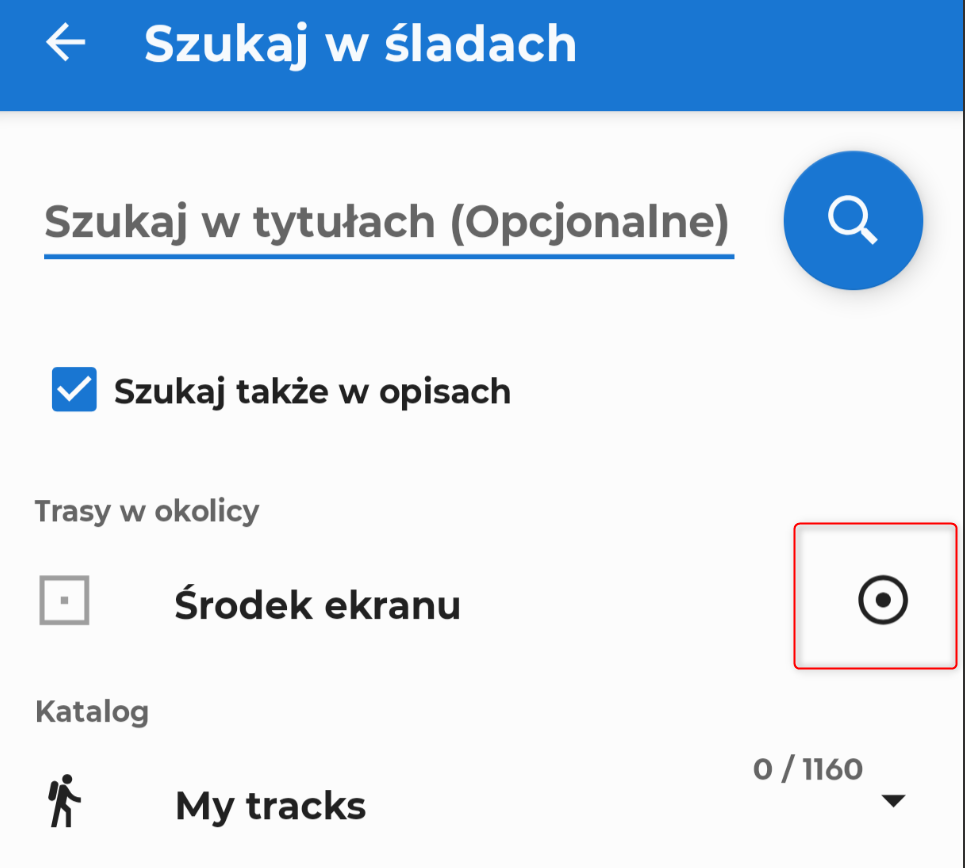
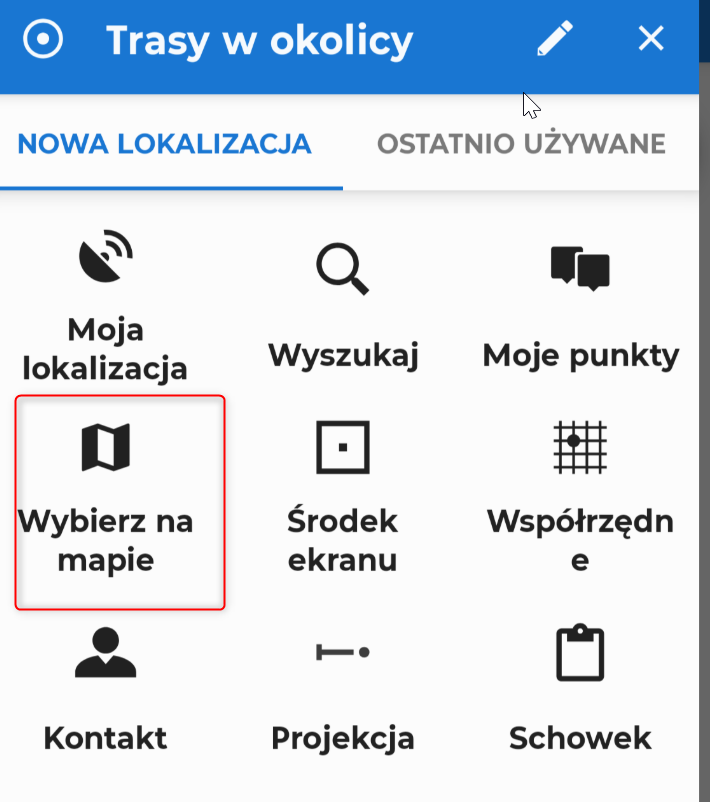
I'm struggling with one of the most important feature - find tracks by map location. Could you please guide me how to use it in the new app ?
It is hard to find anything having more than 10 000 tracks.
I cannot find a proper steps in your manual.
Regards
Wojtek
P.S. Locus 3 feature screenshots attached.
 The same problem
Hi Wojciech,
- position the map screen cursor on the place around which you want to search tracks (if you need some special locating tool, use the "location" method in the general search)
- open your library > select the folder in which you want to search (optionally - you can search the whole library) and tap search
- tap the button "nearest" with a track icon
Optionally, tap the settings button and check the options to search subfolders or descriptions.
If you always want to search around your actual location, change the default search location in settings > miscellaneous > default search/sort location.
More info: https://docs.locusmap.app/doku.php/manual:user_guide:my_library#search
Hi Wojciech,
- position the map screen cursor on the place around which you want to search tracks (if you need some special locating tool, use the "location" method in the general search)
- open your library > select the folder in which you want to search (optionally - you can search the whole library) and tap search
- tap the button "nearest" with a track icon
Optionally, tap the settings button and check the options to search subfolders or descriptions.
If you always want to search around your actual location, change the default search location in settings > miscellaneous > default search/sort location.
More info: https://docs.locusmap.app/doku.php/manual:user_guide:my_library#search
Hello
Thank you for your support, have a good day :)
Wojtek
Hello
Thank you for your support, have a good day :)
Wojtek
Replies have been locked on this page!