


search by coordinates
Answered
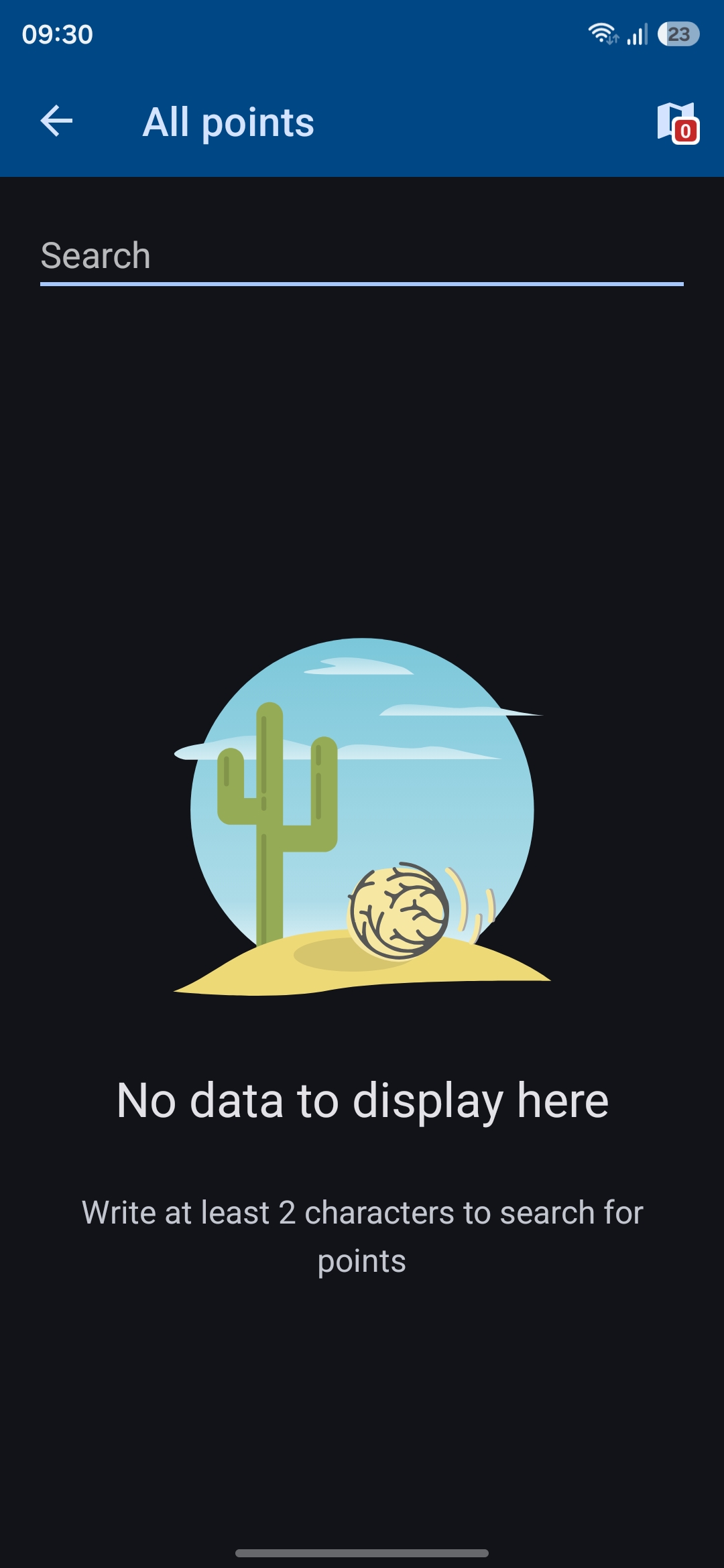
Hello. I'm using Locus Maps version 4.35.0. I can't search for a location using coordinates. There used to be an option called “Location” or something similar. Could you help me find it?
I can see only these 2 screens
Thank you
 The same question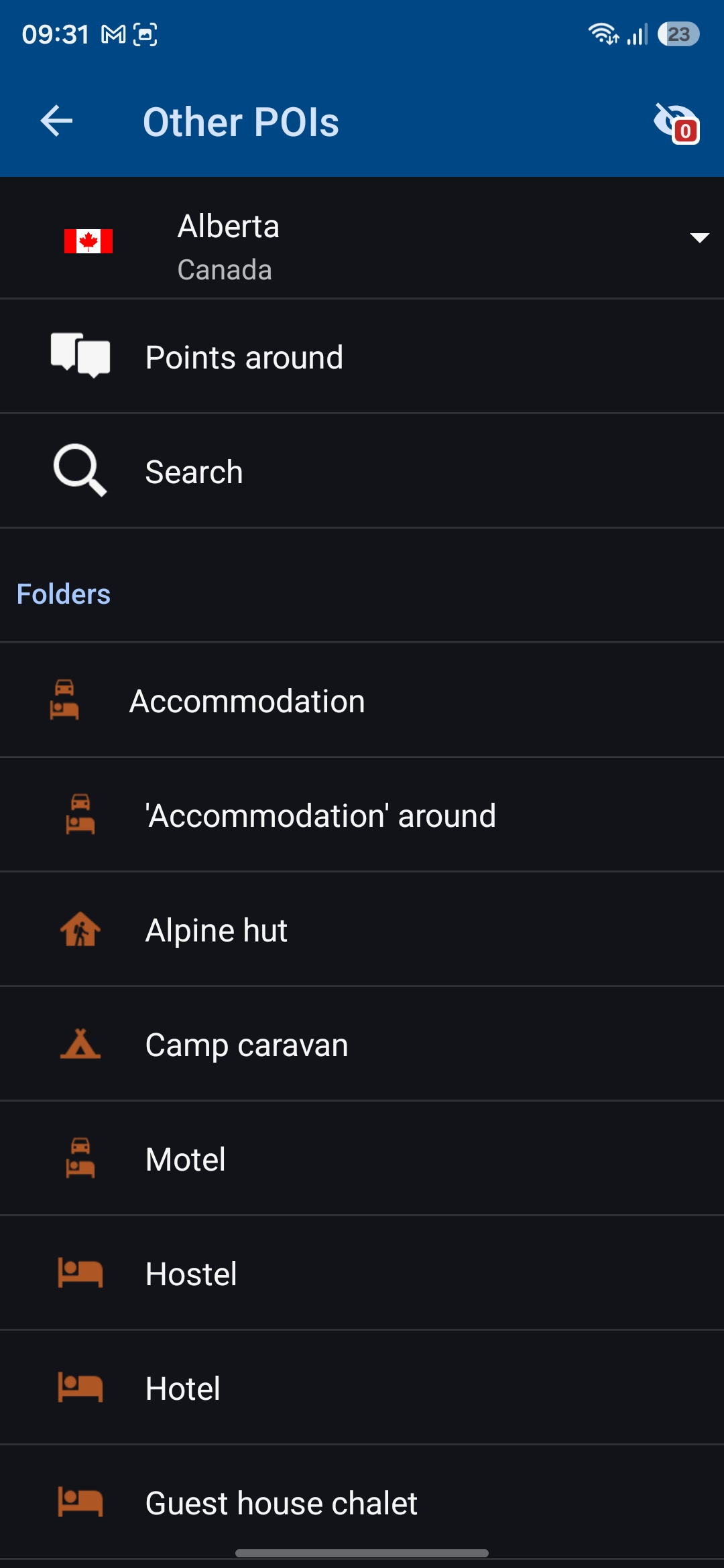
Hi Dainius,
you can insert the coordinates into the search bar. Or, you can activate a special coordinates button, triggering a dialog where you fill the coords:
More info: https://docs.locusmap.app/doku.php/manual:user_guide:tools:location
Hi Dainius,
you can insert the coordinates into the search bar. Or, you can activate a special coordinates button, triggering a dialog where you fill the coords:
More info: https://docs.locusmap.app/doku.php/manual:user_guide:tools:location
Hi, Michal. Thank you for information. But I have no success when I try to find your screens. Could you describe how to reach your screens
Hi, Michal. Thank you for information. But I have no success when I try to find your screens. Could you describe how to reach your screens
Here or here:
Here or here:
Hm. I do the same, but I can see only screens which I send in the first letter
Hm. I do the same, but I can see only screens which I send in the first letter
Please install the latest beta version available at https://bit.ly/lmVersionsTest.
Then, when you are in the "other POIs" search mode, tap the back button twice to get to the screen with the hamburger menu for other search options:
Please install the latest beta version available at https://bit.ly/lmVersionsTest.
Then, when you are in the "other POIs" search mode, tap the back button twice to get to the screen with the hamburger menu for other search options:
Thanks. I’ve installed version 4.35.4 beta. Everything’s working. Of course, all those search options – ‘offline address’ and ‘online address’ – are a bit confusing, as I have to keep track of where I am at all times. But for now, everything I need is there and working.
Thanks. I’ve installed version 4.35.4 beta. Everything’s working. Of course, all those search options – ‘offline address’ and ‘online address’ – are a bit confusing, as I have to keep track of where I am at all times. But for now, everything I need is there and working.
Replies have been locked on this page!