


Transparent line -> sharing via Google Earth
In Progress
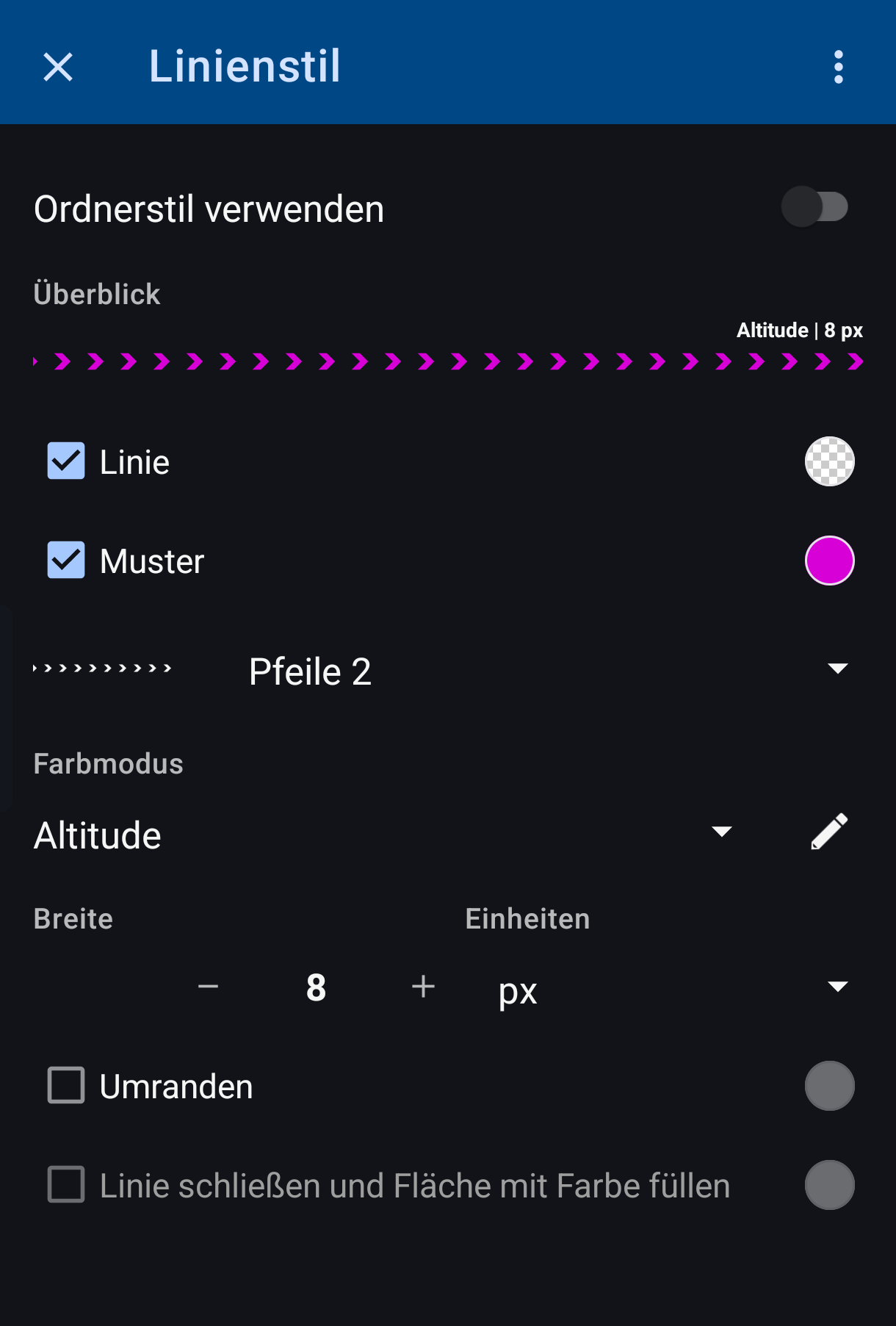
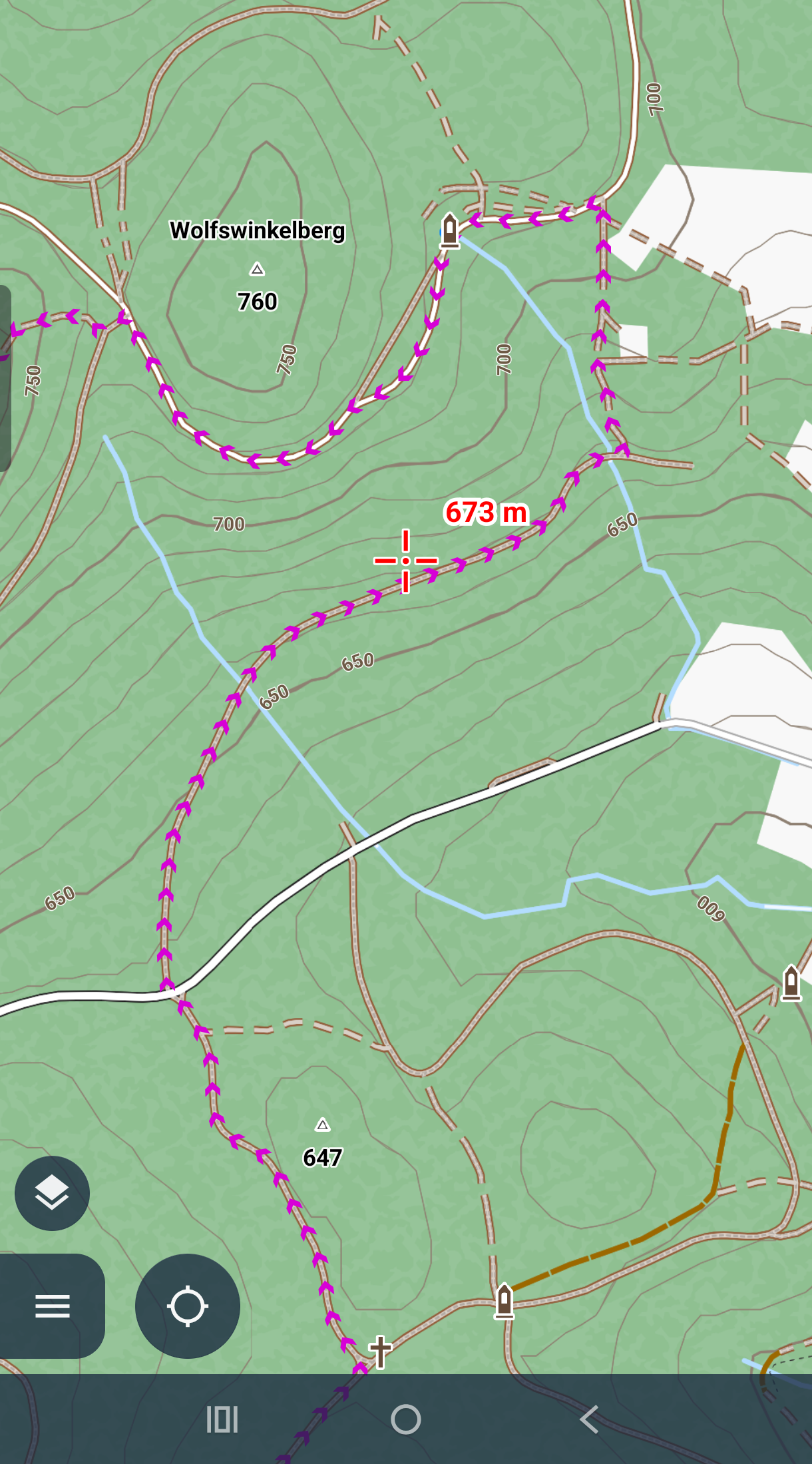
For route planning, I use a line style that includes arrows on a transparent line (see screenshot). The reason is that I want to be able to see the underlying route types on the map, which is difficult to do with coloured lines.
The problem is that when I share the route to Google Earth, the line isn’t displayed there and the route is therefore invisible.
Would it be possible for such lines to be displayed anyway? In other words, could either a standard colour be used, or the colour of the arrows? I don’t mind how it’s displayed in Google Earth, as long as the route is visible at all.
 The same question
Hi,
uncheck the line in your line style setup - Google Earth draws a thin white line along the route. Nothing extra special but at least the route is visible:
Hi,
uncheck the line in your line style setup - Google Earth draws a thin white line along the route. Nothing extra special but at least the route is visible:
Thank you very much, Michal,
That works, but unfortunately I’d uploaded the wrong line style (it was a test style); I’d forgotten the outline that I use and would like to keep, so that the track/route is also recognisable in the thumbnails in the library. The ‘Line’ field has to be ticked, so it won’t work when sharing to Google Earth.
No chance, is there?
Sorry for the inconvenience but there is no other option at the moment. I can ask the devs if it's possible to add the option to check the outline even when the main line is unchecked.
Sorry for the inconvenience but there is no other option at the moment. I can ask the devs if it's possible to add the option to check the outline even when the main line is unchecked.
Ok, thank you!
Ok, thank you!
Replies have been locked on this page!