


This object is in archive!

How to hide track point icons on map
Answered
Hello,
I was wondering if there is a way to hide the red and green trackpoints and only display the line on a map? Please see attached screenshot.
Thanks,
Alicia
Files:
Capture.PNG
 The same question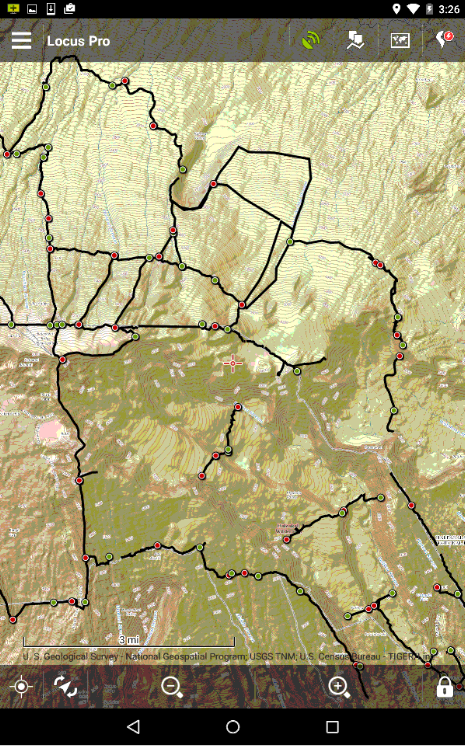
Hello Alicia,
It's possible. Please open Menu > Settings > Map - objects & style > Track icons > No symbol
Regards
Petr
Hello Alicia,
It's possible. Please open Menu > Settings > Map - objects & style > Track icons > No symbol
Regards
Petr
Hello Alicia,
It's possible. Please open Menu > Settings > Map - objects & style > Track icons > No symbol
Regards
Petr
Hello Alicia,
It's possible. Please open Menu > Settings > Map - objects & style > Track icons > No symbol
Regards
Petr
Hi I'm trying to do the same thing but settings options have changed since this was last answered and I can't work it out!
Hi I'm trying to do the same thing but settings options have changed since this was last answered and I can't work it out!
Replies have been locked on this page!