


POI - strange behaviour
Not a Problem
Hello there!
Yesterday I took some POI-photos on my tour. In the evening I planned a new Tour, copied an existing POI into my tour folder, that's it.
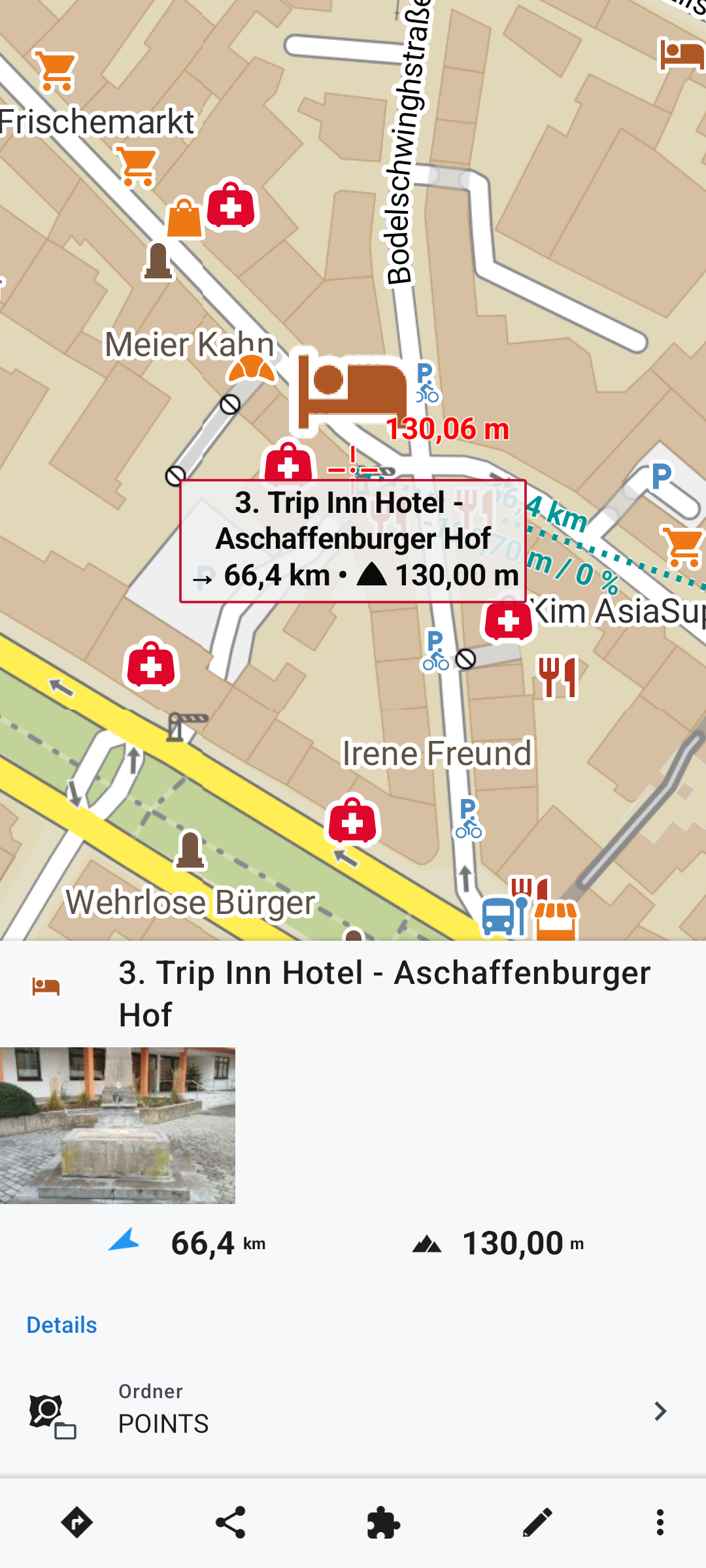
As I moved the navigation cross above this POI anf clicked on it, a photo from the tour in the morning appeard in the preview.
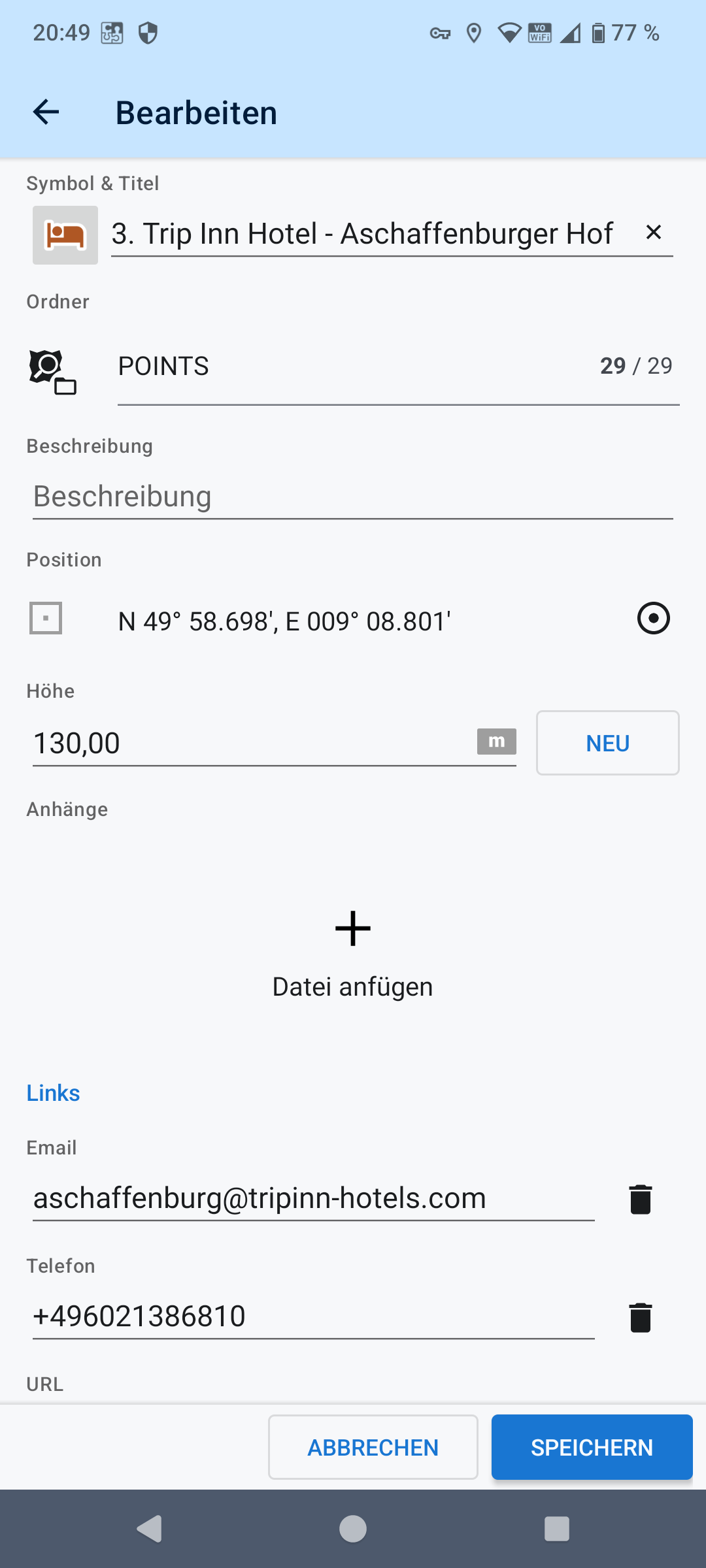
Editing the POI shows no photo.
Version 4.32.0
 The same problem
Hi Dieter,
when you create a user copy of a LoPoint for which you had uploaded a photo, the photo doesn't copy to your phone; it stays on the server. Therefore, you only see the preview, but when you open the POI editing dialog, the photo is not there. That is not strange behavior; that is a standard.
Hi Dieter,
when you create a user copy of a LoPoint for which you had uploaded a photo, the photo doesn't copy to your phone; it stays on the server. Therefore, you only see the preview, but when you open the POI editing dialog, the photo is not there. That is not strange behavior; that is a standard.
Hi Michal,
I had not uploaded a photo to this POI. I just created a copy. The photo was suddenly there.
I uploaded this photo to a complete other POI.
Regards, Dieter
Hi Michal,
I had not uploaded a photo to this POI. I just created a copy. The photo was suddenly there.
I uploaded this photo to a complete other POI.
Regards, Dieter
That IS strange, for sure :)) Sorry for this inconvenience, but could you please send a link to the POI you uploaded the photo for and then the POI you used for your trip? We'll have to reproduce this somehow. Thanks!
That IS strange, for sure :)) Sorry for this inconvenience, but could you please send a link to the POI you uploaded the photo for and then the POI you used for your trip? We'll have to reproduce this somehow. Thanks!
The POI I uploaded the photo: https://web.locusmap.app/poi/7053505
The POI for the new tour:
https://web.locusmap.app/poi/4968258
https://web.locusmap.app/loc/49.97830:9.14668:3.%20Fr.%20%3E%20Sa.%20Trip%20Inn%20Hotel%20-%20Aschaffenburger%20Hof
The POI I uploaded the photo: https://web.locusmap.app/poi/7053505
The POI for the new tour:
https://web.locusmap.app/poi/4968258
https://web.locusmap.app/loc/49.97830:9.14668:3.%20Fr.%20%3E%20Sa.%20Trip%20Inn%20Hotel%20-%20Aschaffenburger%20Hof
Sorry, but we are unable to reproduce the issue, and nobody else has reported it. Did you experience it repeatedly? If yes, would you please send a detailed description of the particular steps? Thanks
Sorry, but we are unable to reproduce the issue, and nobody else has reported it. Did you experience it repeatedly? If yes, would you please send a detailed description of the particular steps? Thanks
Hi Michal,
it happend only once and never again since. I just deleted the POI and copied it again without any problems. I think, for now it is OK. As soon as it happens again I'll inform you.
Have a nice day, Dieter.
Hi Michal,
it happend only once and never again since. I just deleted the POI and copied it again without any problems. I think, for now it is OK. As soon as it happens again I'll inform you.
Have a nice day, Dieter.
Replies have been locked on this page!