


Unable to connect to Dropbox
Hello,
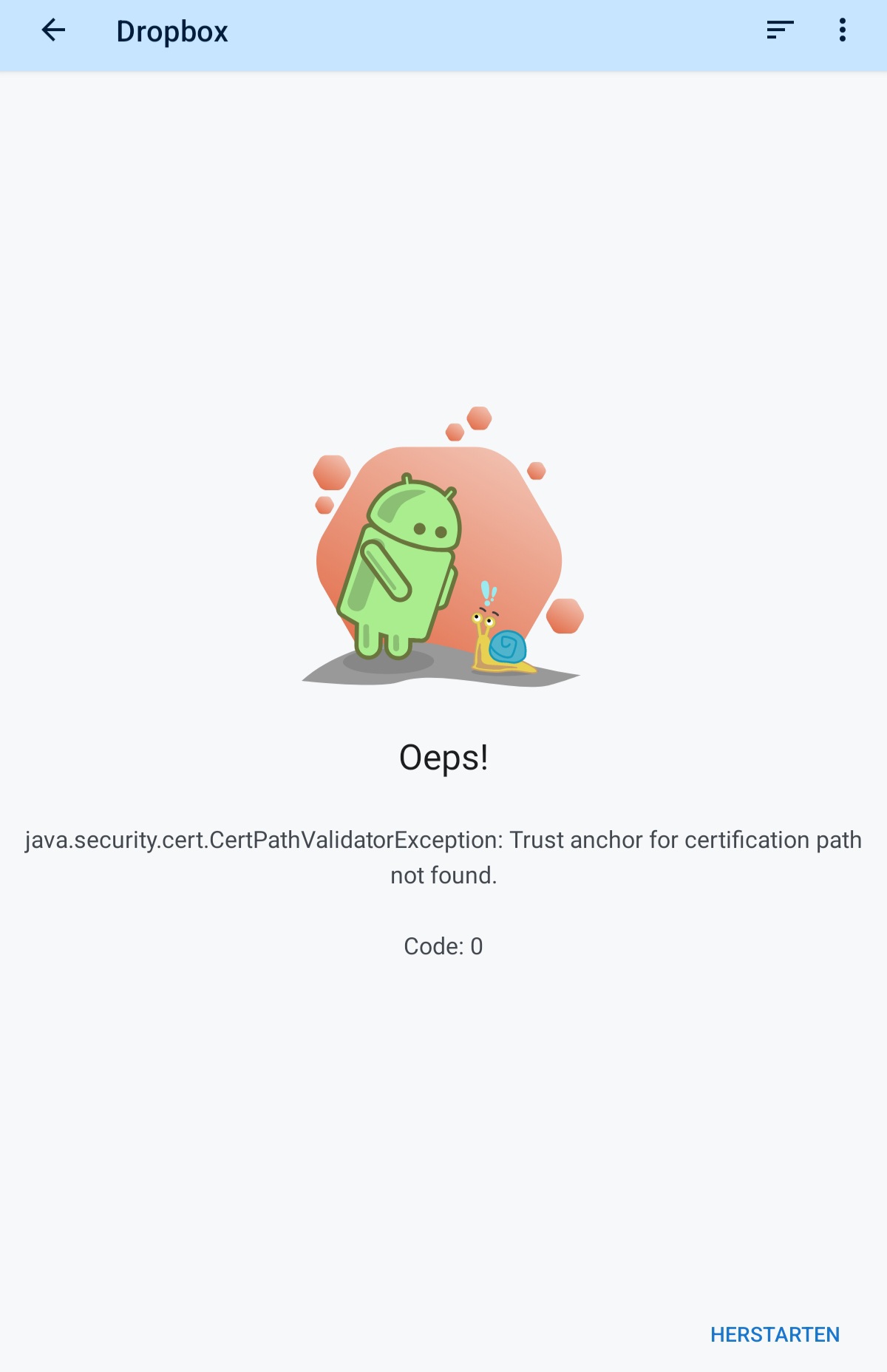
I use Dropbox to import and export files into Locus Map. Since today, I am unable to do this. The error I get is attached. I tried re-syncing Dropbox. Then Locus asks me to log in and allow access to my Dropbox files. However, when I click "Allow", nothing happens and Locus returns to the "Dropbox Login required" screen.
I found a way around the importing problem by going to Dropbox via the System File Manager. However, this doesn't work for exporting files. I am using Locus Map 4.31.3.
I looked into it a bit and it appears that Dropbox has updated its API servers. Here is more info: https://dropbox.tech/developers/api-server-certificate-changes. So it appears Locus's SDKs need to be updated, so that the app can access the Dropbox API.
I am looking forward to a reply!
 The same problem
Hi,
please wait for version 4.32.2. which is slowly coming to Google Play and test the issue with it. If you don't want to wait, install it from our public repo at https://bit.ly/lmVersions.
Hi,
please wait for version 4.32.2. which is slowly coming to Google Play and test the issue with it. If you don't want to wait, install it from our public repo at https://bit.ly/lmVersions.
Bonjour
Désolé, mais je ne comprends pas comment télécharger la mise à jour pour Locus Map 3 depuis le référentiel public.
Peut-on m'expliquer ?
Merci
Bonjour
Désolé, mais je ne comprends pas comment télécharger la mise à jour pour Locus Map 3 depuis le référentiel public.
Peut-on m'expliquer ?
Merci
OK merci pour la réponse ! Problème résolu !
OK merci pour la réponse ! Problème résolu !
Replies have been locked on this page!