


Expert settings
Not processed
When I open the expert settings after pressing and holding the settings button, and then click on the "disabled" entry, this entry changes to "enabled," and Locus Map informs me that the expert settings have been deactivated. This seems contradictory to me.
 The same problem
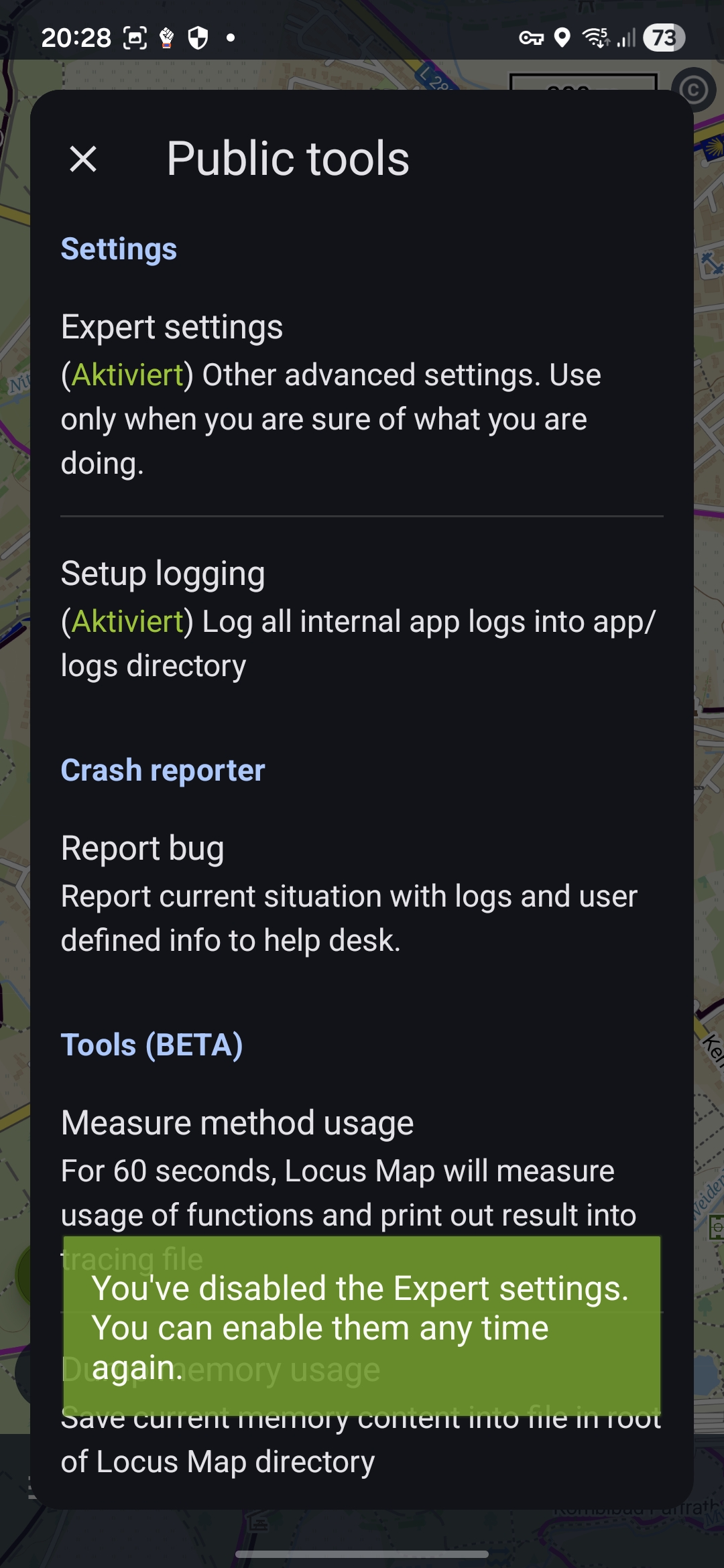
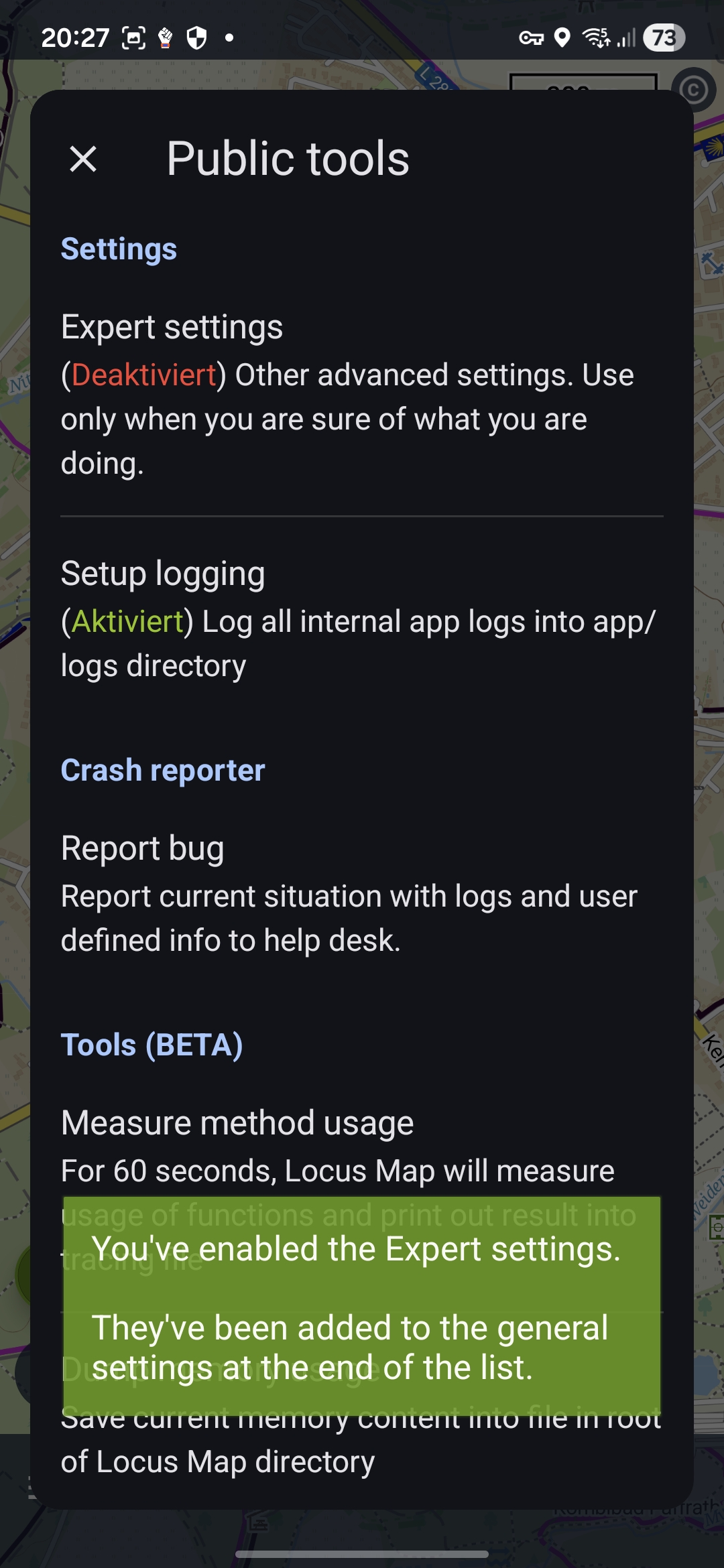
As you've done, long tap on "main menu" to display the public tools panel. BUT a short tap of the Expert settings simply toggles the visibility of the Expert Settings menu in the main settings. You access expert settings as a sub-menu (last item) of the Settings. That is your confusion.
I found this link https://docs.locusmap.app/doku.php/manual:advanced:customization:config
As you've done, long tap on "main menu" to display the public tools panel. BUT a short tap of the Expert settings simply toggles the visibility of the Expert Settings menu in the main settings. You access expert settings as a sub-menu (last item) of the Settings. That is your confusion.
I found this link https://docs.locusmap.app/doku.php/manual:advanced:customization:config
Replies have been locked on this page!