


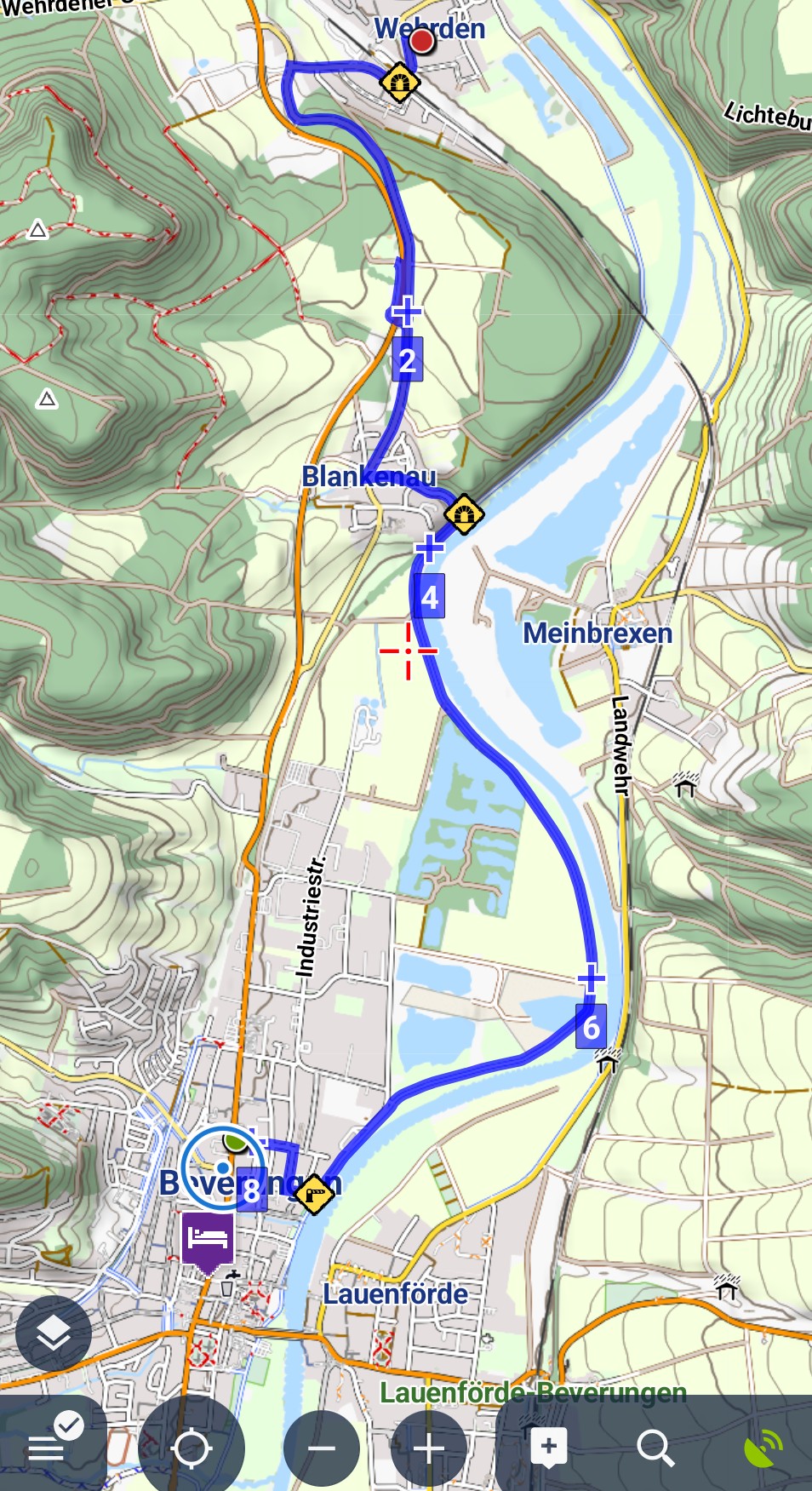
Distance markers are sown in reverse.
Not a Problem
Distance markers are in reverse order, shown on the route from start to finish. It is 8, 7, 6, 4, but should be 1, 2, 3, 4.
Steps:
Create a route using Planer.
Select the route and start navigating.
Files:
Screenshot_2026...
 The same problem
Start navigation
Start navigation
Hi Maris,
this is intentional behavior - when you start navigating a route, the mileage is reversed so that you know the distance to the end of the route.
Hi Maris,
this is intentional behavior - when you start navigating a route, the mileage is reversed so that you know the distance to the end of the route.
Replies have been locked on this page!