


huge POI in RoutePlanner
Not a Problem
v2.7.2
eg. https://web.locusmap.app/en/plan?lat=-42.8621084&lng=147.2949400&z=16&map=hikeBike
different icons depending on the zoom level; some sort of refresh issue
possibly even related to https://help.locusmap.eu/topic/40714-minimize-restore-maximize-of-browser-window-forces-webplanner-to-redraw-with-original-url
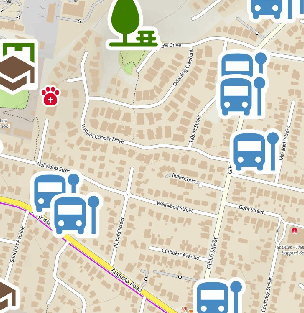
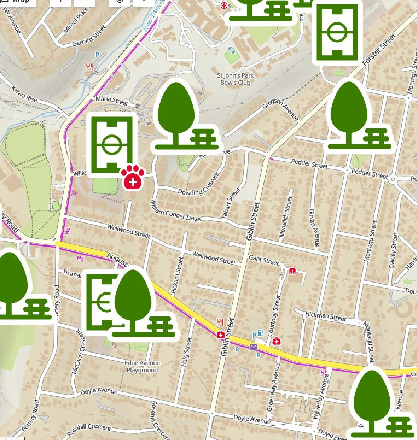
 The same problem
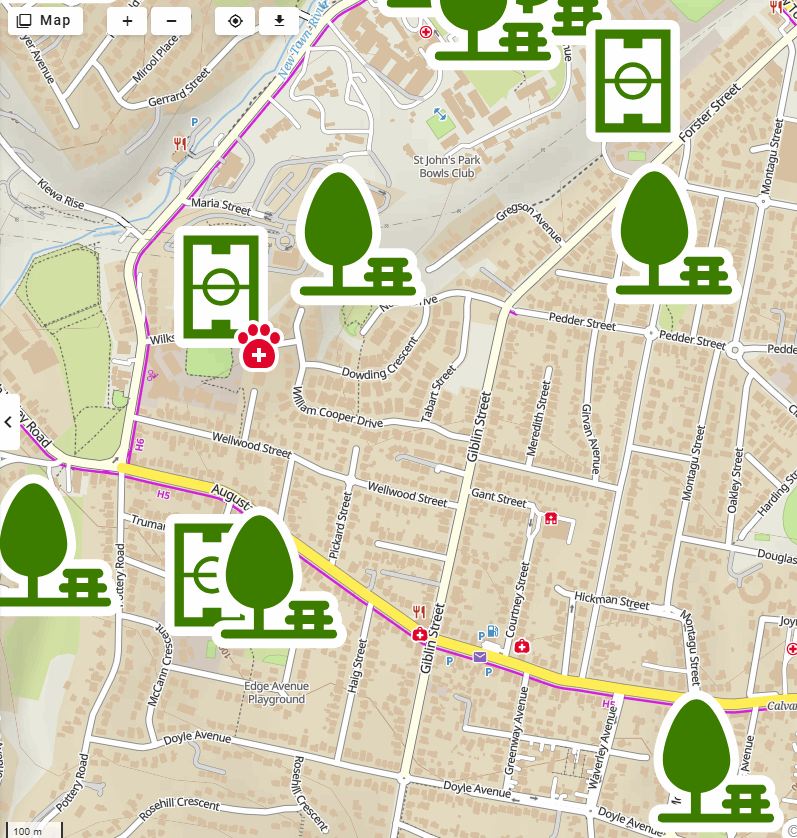
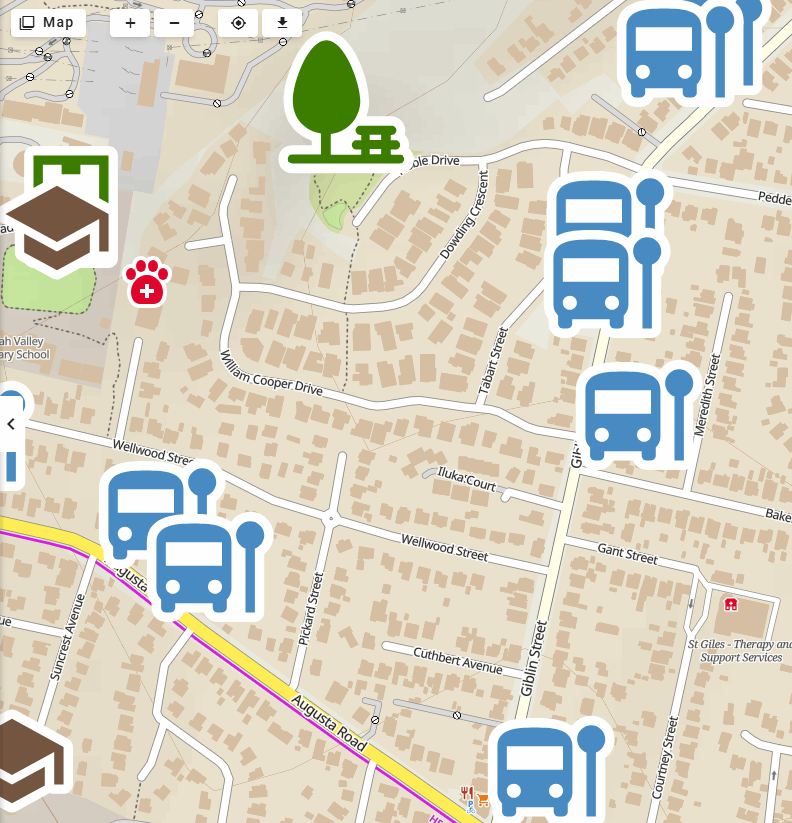
Hi Andrew,
thank you for contacting us. Could you please provide a step-by-step procedure to reproduce the issue? We are currently unable to simulate it on our side. Thank you in advance!
Marek, Locus team
Hi Andrew,
thank you for contacting us. Could you please provide a step-by-step procedure to reproduce the issue? We are currently unable to simulate it on our side. Thank you in advance!
Marek, Locus team
I used a bookmark https://web.locusmap.app/en/plan?lat=-42.860512&lng=147.294881&z=17
running Vivaldi on Windows 11
much zoom in & out, but of course, no huge POI ;-(
sorry, hopefully not again
close the topic
I used a bookmark https://web.locusmap.app/en/plan?lat=-42.860512&lng=147.294881&z=17
running Vivaldi on Windows 11
much zoom in & out, but of course, no huge POI ;-(
sorry, hopefully not again
close the topic
Hi Andrew,
thank you for the information. If you are able to reproduce the issue in the future, please do not hesitate to reopen this ticket and let us know.
Marek, Locus team
Hi Andrew,
thank you for the information. If you are able to reproduce the issue in the future, please do not hesitate to reopen this ticket and let us know.
Marek, Locus team
Replies have been locked on this page!