


Geocoaching connection page opening automatically
Solved
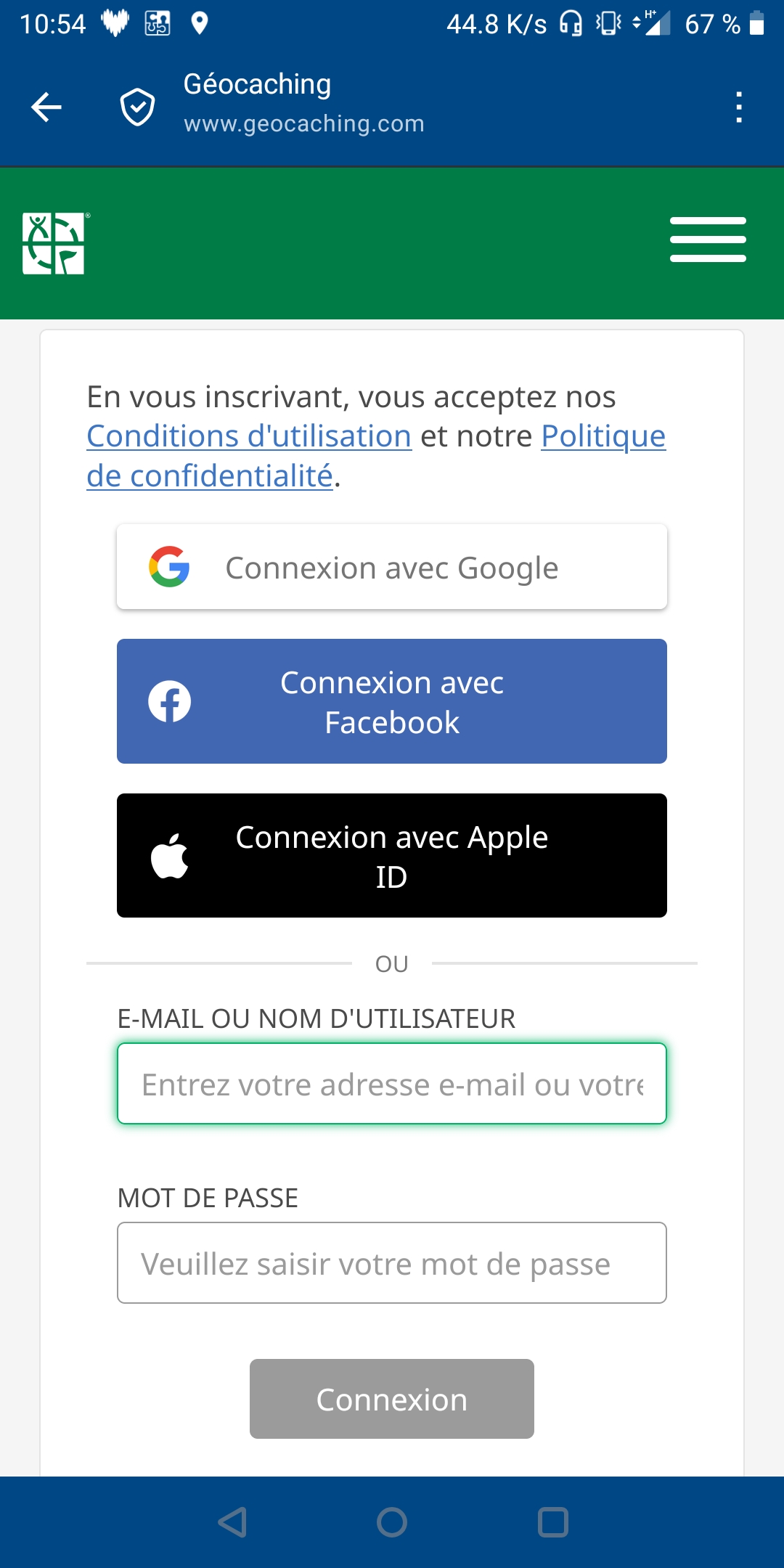
For about 2 weeks now, maybe one of the last update, every time I am opening locusmap app, that's automatically opening the geocoaching connection webpage. I am joining you a screenshot. I have looked a way to cancel it but I haven't managed to. If you have an idea to help me.
Thanks in advance
Bruno
Files:
Screenshot_2026...
 The same problem
Hi Bruno,
thank you for contacting us. Please try disabling GC Live map in the Map-screen content panel and let us know if it helps.
Marek, Locus team
Hi Bruno,
thank you for contacting us. Please try disabling GC Live map in the Map-screen content panel and let us know if it helps.
Marek, Locus team
Replies have been locked on this page!