


Suggestions regarding Wear_4.36.1.3_beta
Declined
I wasn't sure where to post this, so I’m putting it here. Please feel free to move it to the appropriate board.
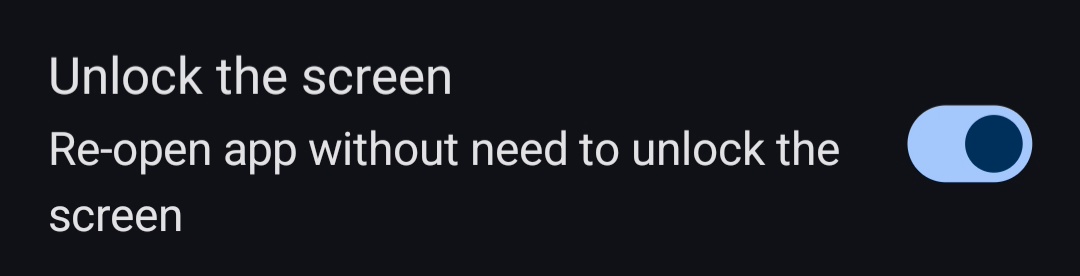
After testing Wear_4.36.1.3_beta, I’ve found it quite inconvenient: when the screen saver activates, the Locus map disappears and the watch face appears instead, requiring me to tap the Locus app again to return to the map. It would be much better if there were a dedicated menu for these settings—similar to what is available in the mobile phone version of the app.
Since this is an issue that did not exist in previous versions, I hope you will consider it favorably; and as opinions on this may vary, perhaps it could be added as an option in the settings menu?
Files:
KakaoTalk_20261...
 I like this idea

Hi, thank you for testing.
This comes from the watch itself rather than the app: Wear OS returns to the watch face after the time set in the watch’s display settings "Go to watch face”.
If you set it to “Never”, Locus stays on screen until you leave it yourself. During a track recording a notification and the watch face shortcut also lead back to Locus with one tap. We’ll look at making the way back easier, but keeping the screen permanently on would drain the battery, so we don’t plan an option for that.
Hi, thank you for testing.
This comes from the watch itself rather than the app: Wear OS returns to the watch face after the time set in the watch’s display settings "Go to watch face”.
If you set it to “Never”, Locus stays on screen until you leave it yourself. During a track recording a notification and the watch face shortcut also lead back to Locus with one tap. We’ll look at making the way back easier, but keeping the screen permanently on would drain the battery, so we don’t plan an option for that.
For the benefit of Galaxy Watch users, please also include the Locus 4 settings—as mentioned in the original suggestion—in the watch app.
For the benefit of Galaxy Watch users, please also include the Locus 4 settings—as mentioned in the original suggestion—in the watch app.
Replies have been locked on this page!