


Locus Germany North map displays incorrect tiles
Not a Problem
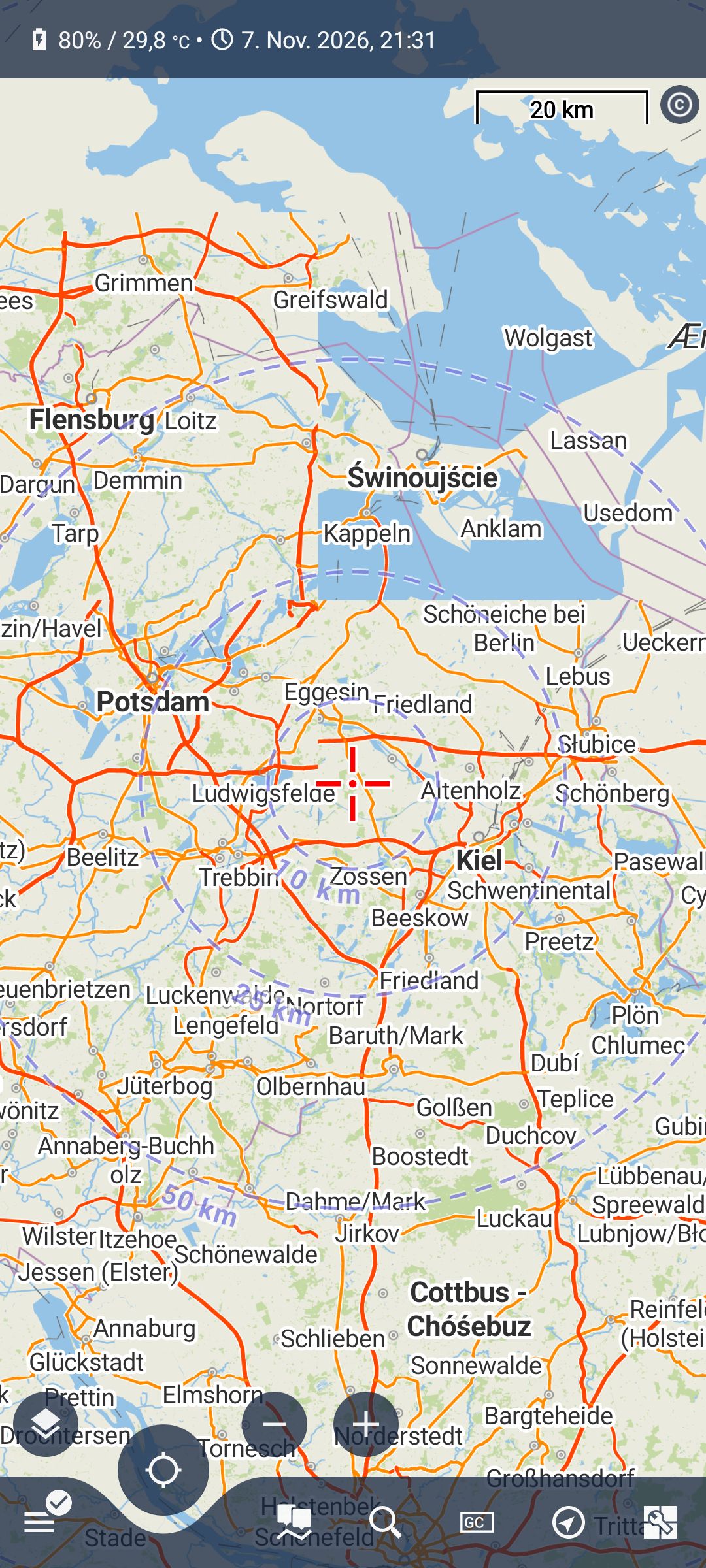
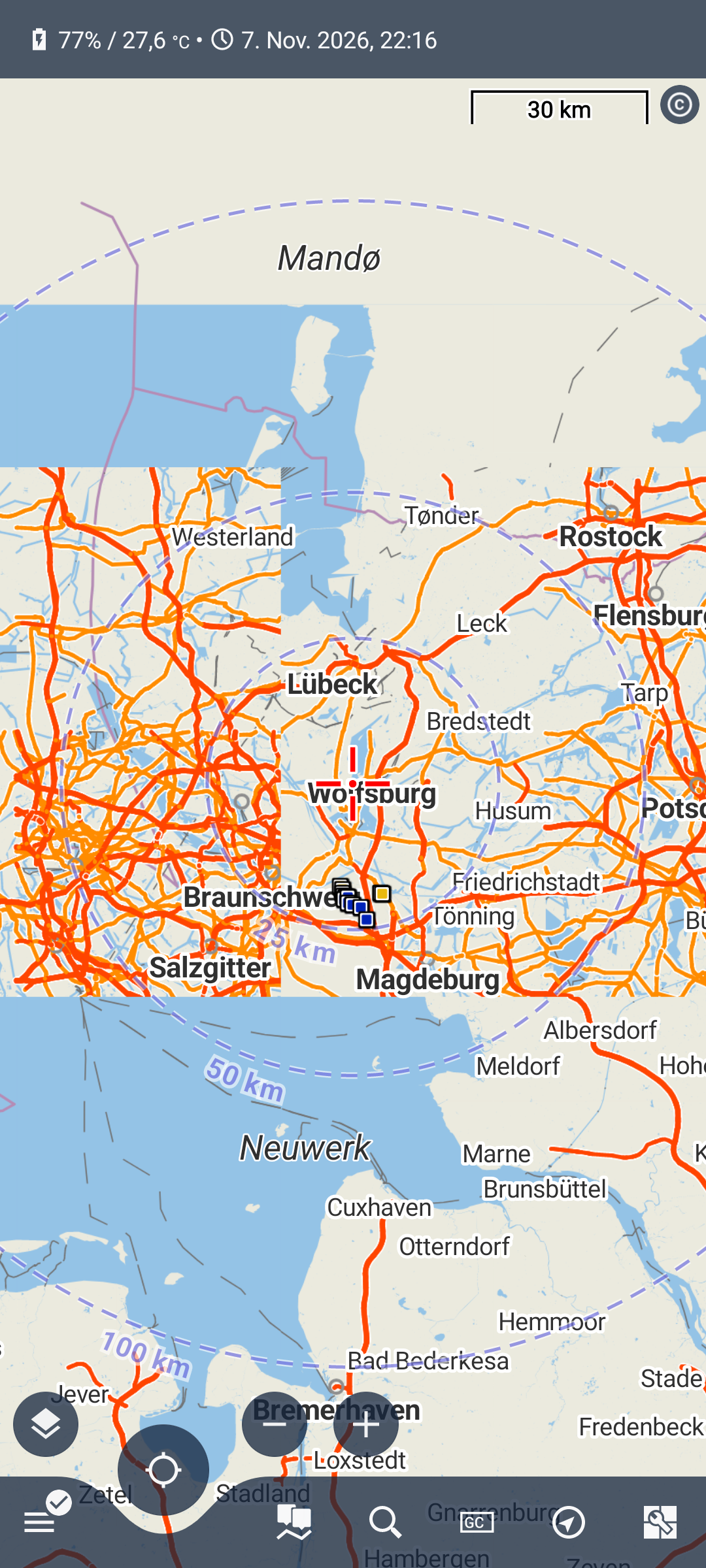
When using the Locus Germany North map (older and current map version, no extra theme), incorrect tiles are displayed upon zooming (possibly occurring when the map edges need to be rendered near the North Sea or Baltic Sea).
I have already cleared the cache (via app and browser), cleaned the database, and restarted the app.
 The same problem

Hi,
We are sorry for the inconvenience. Please go to the Locus Store, remove the defunct maps and re-download them for free:
Hi,
We are sorry for the inconvenience. Please go to the Locus Store, remove the defunct maps and re-download them for free:
Hi,
Unfortunately, this does not seem to have completely resolved the issue. The road network is still being rendered incorrectly.
I will check how it behaves when I disable these two options. At first glance, this might seem to Avoid the problem. I will test this in our vacation now and keep you informed.
Best regards – Christoph
Hi Christoph,
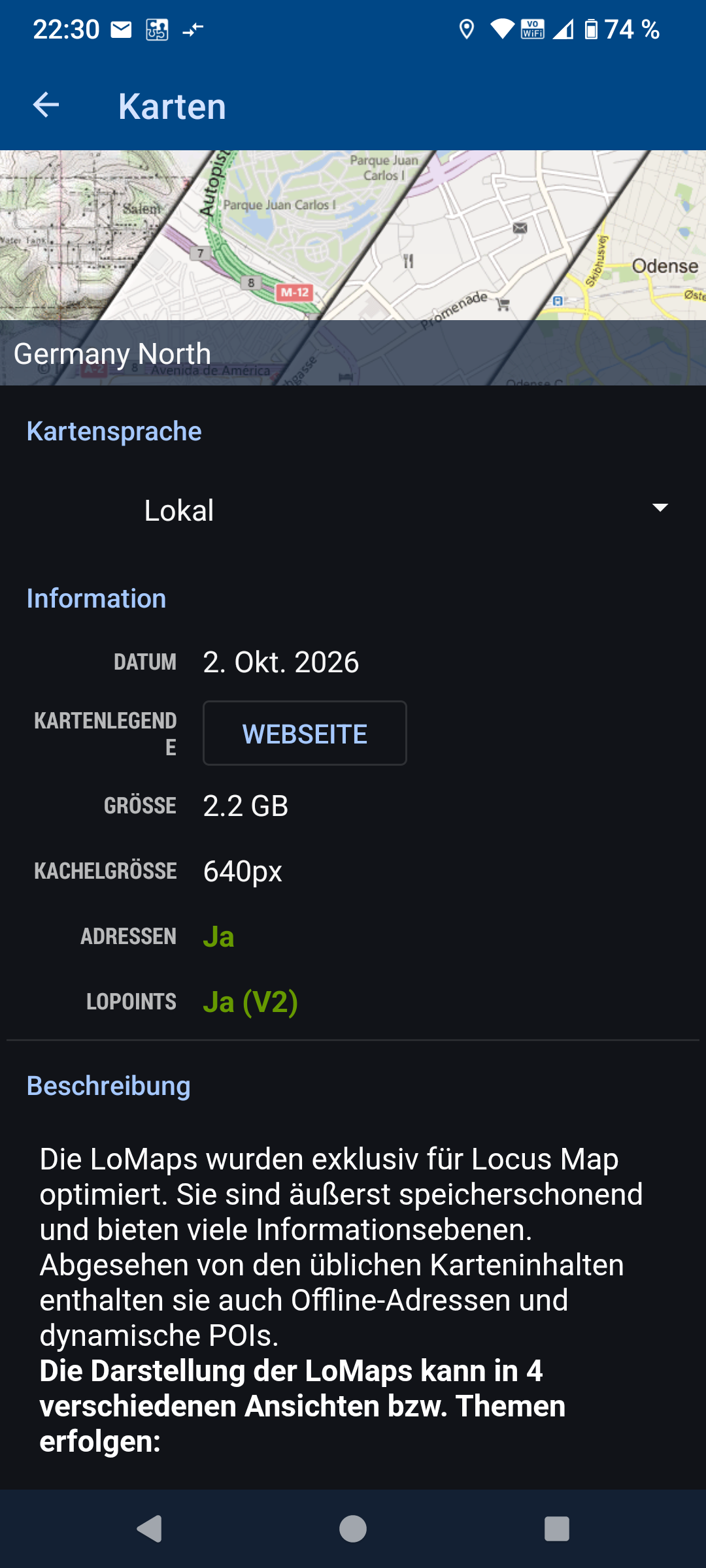
what LoMap version do you use? Please check it out in the LoMap details:
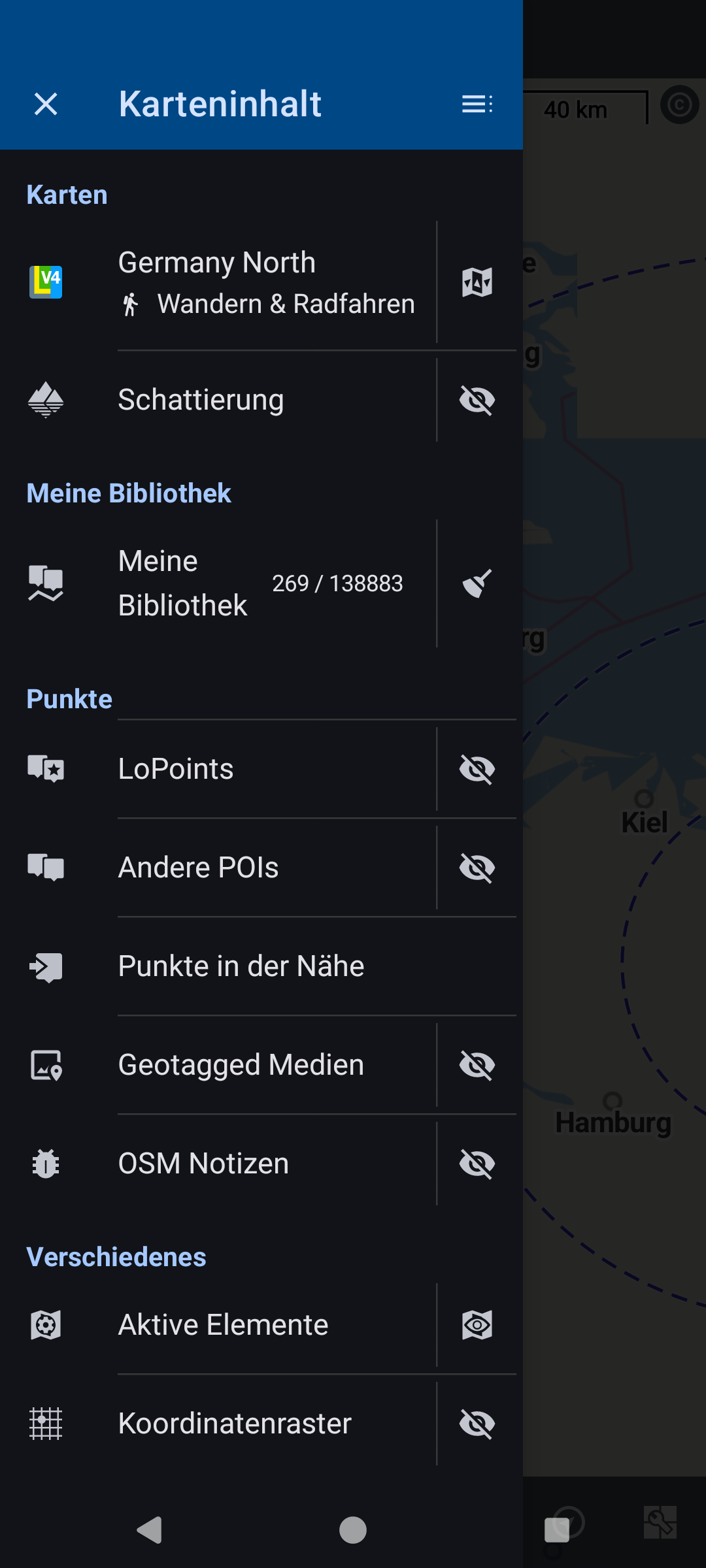
Do you happen to use a map overlay? Please check it too in the map content panel:
https://docs.locusmap.app/doku.php/manual:user_guide:mainscr_lpanel#map_overlay
regards
Michal, Locus team
Hi Christoph,
what LoMap version do you use? Please check it out in the LoMap details:
Do you happen to use a map overlay? Please check it too in the map content panel:
https://docs.locusmap.app/doku.php/manual:user_guide:mainscr_lpanel#map_overlay
regards
Michal, Locus team
Hi Michal,
I think it actually has something to do with the "Automatically load map" setting: the problem occurs only when this option is enabled. The map is dated October 2, 2026. I am using the "Hiking & Cycling" theme.
I have attached a few videos to illustrate the issue:
1. Map version and theme
2. Enabling the option
3. Disabling the option
4. Reloading the map
(The blurred appearance is due to video compression)
regards - Christoph
Hi, thanks for the videos. I downloaded the same map, but I can't reproduce the problem. Could you please delete the map from the map manager and re-download it from the Locus Store?
Hi, thanks for the videos. I downloaded the same map, but I can't reproduce the problem. Could you please delete the map from the map manager and re-download it from the Locus Store?
First, I deleted and reinstalled the Germany North V4 map – the same behavior occurred.
After that, I also deleted all my other remaining OpenAndroMaps, as well as an old, unused Germany North V3 map. This means that only four Locus V4 maps remain installed and the problem apparently no longer occurs, even with the option enabled.
I don't know if the deleted maps were relevant, but I hope this resolves the issue – whatever the cause may be.
Unless you'd like to investigate further or have any questions, I think the ticket can be closed.
For now, thank you for the quick help and best regards – Christoph
Hi Christoph,
the problem certainly correlates with the surrounding maps - see your solution when you turned off automatic map loading. The old maps probably caused the problem. Updated maps should work as intended but I'm not sure if LoMaps and OM maps can be automatically loaded correctly from one folder because they use different bounding boxes. I would recommend storing OAM maps in a different folder than LoMaps; then they will not interfere.
regards
Michal
Replies have been locked on this page!